Collected · USD $ 0 ↗ +24.6%
Sent 0 12 last week
Avg · days to paid 0 ↘ −1.1 day
Wageasy v2 · Invoicing for the post-spreadsheet era
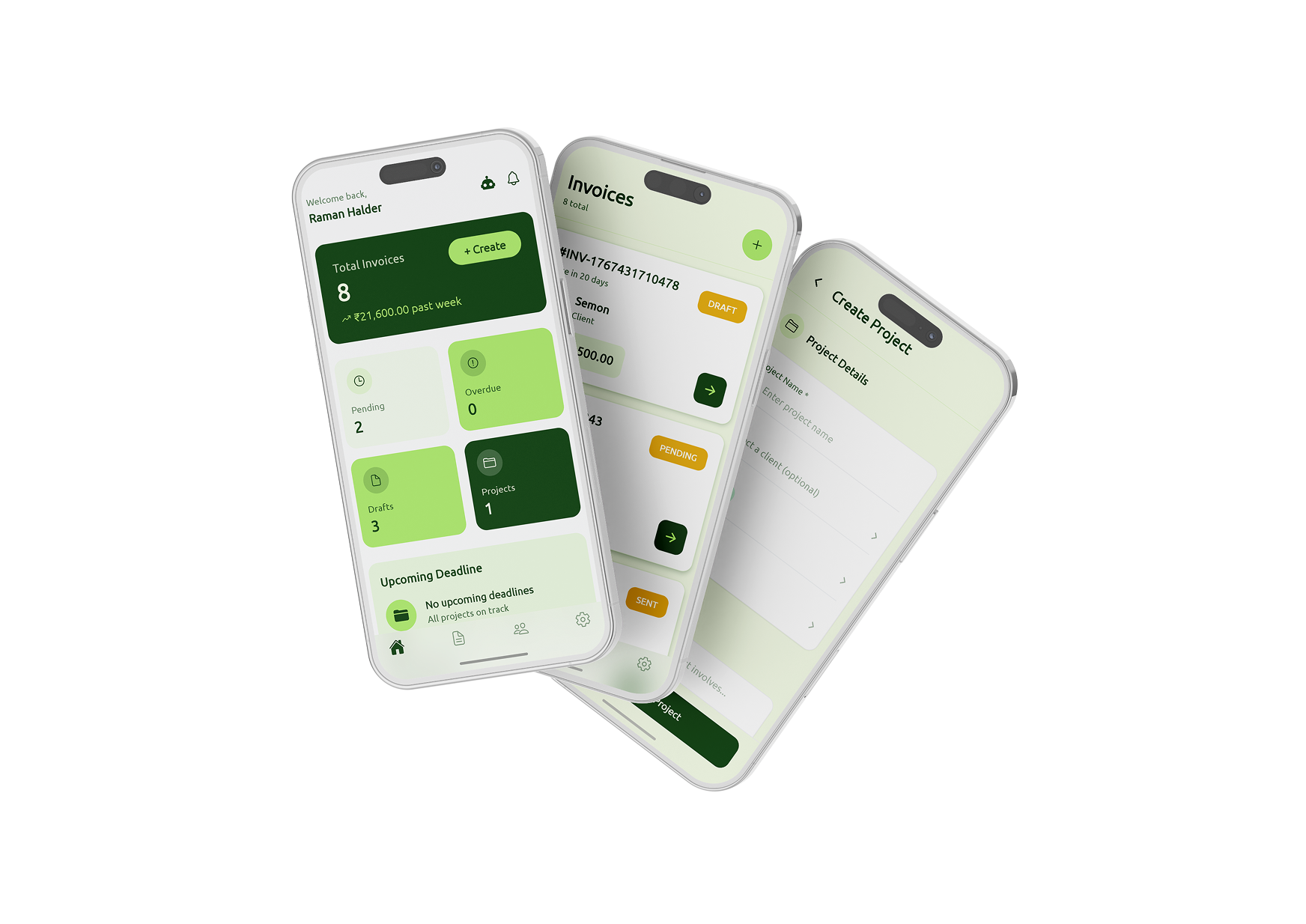
Under 2 minutes from open to send. Clients, projects and tracked hours in one place. PDFs generated on-device.
Inside the app
Built on your phone in a moment.
No waiting on a server.
18 templates across
industries — none generic.
Client to cash · in four steps
Name, email, optional tax ID. Saved to your account — no third-party data brokers.
Log hours with the timer, then turn the unbilled time into an invoice. Pick a currency for each invoice.
Auto-numbered, branded, generated on-device. Active share-link with view tracking and expiry.
Status flips to paid the moment funds land. Push notifications on every overdue invoice.
Pricing
FAQ
You can create your first invoice within minutes of signing up. The setup walks you through your business profile, then you start invoicing from the dashboard.
Yes. Authentication and storage are handled by Firebase with encrypted data transfer. Your invoices and client information stay private.
Yes — pick from professional templates and adjust colours, logo, and layout to match your business branding.
The free plan covers up to 5 invoices per month, unlimited clients and projects, three professional templates, color and font customization, PDF export, time tracking, dashboard, and push reminders.
Yes — free users get community support; Pro subscribers get priority email support. We read every message.